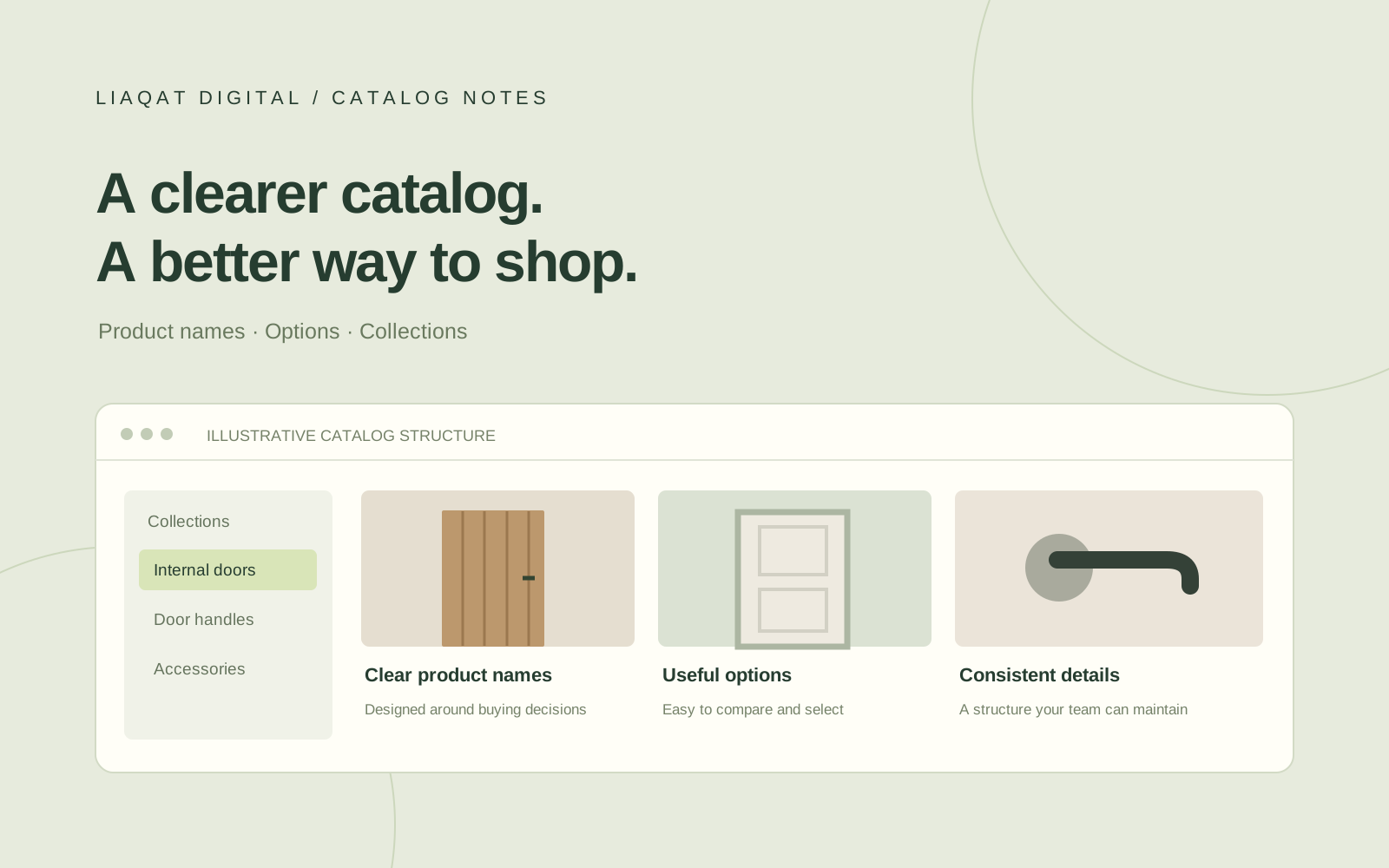
A product catalog can look tidy in a spreadsheet and still feel confusing on a storefront. Customers do not see your supplier’s filing system. They see product names, menus, images, and options—and they need those details to make sense together.
For stores selling doors, hardware, lighting, or other specification-heavy products, catalog organization deserves as much attention as the homepage. Here is the approach I recommend before adding more products or redesigning the theme.
Start with how customers choose
Write down the questions a buyer needs answered before selecting a product. For a door, those might include its intended use, dimensions, construction, and glazing. For a handle, they might include function, finish, and handing.
Use those buying decisions to plan the information each product needs. Supplier codes still matter for ordering and matching records, but they should not be the only explanation a customer receives.
A useful exercise is to choose five products and ask someone unfamiliar with the catalog to find the right option. Note where they hesitate. Those moments often reveal missing labels or an unclear structure.
Agree on naming rules before editing
Create a small naming guide that you can reuse across suppliers. Decide how to write measurements, finishes, model names, and left- or right-handed options. Use complete customer-facing words such as “Black” instead of a supplier abbreviation when the meaning has been verified.
A product title should communicate what the item is and its main distinguishing feature. Keep the SKU in its dedicated field. When a model code helps buyers identify the correct item, include it deliberately rather than pasting an entire supplier description into the title.
Do not silently expand an unfamiliar abbreviation. Check the supplier’s documentation or ask for clarification first.
Keep products and options understandable
Group options when they represent understandable choices within the same product. Keep genuinely different items separate when combining them would make the description, imagery, or buying decision unclear.
For example, a hypothetical door design offered in several dimensions and glazing finishes may work as one product with clearly named options. A different construction or installation requirement may need a separate listing. Make that decision from the product information, then check the store’s current platform, theme, and app support.
The goal is a clear buying path. Reducing the number of product pages is not useful if customers can no longer tell what they are ordering.
Build collections around meaningful groups
Shopify collections group products into browsable categories. Plan their names around customer intent: “Internal Doors,” “Door Handles,” or “Lighting” may be more helpful than the names of internal supplier spreadsheets.
Then decide where each collection belongs in the menu. A collection that exists but is difficult to reach will not solve a navigation problem. Shopify’s collections documentation explains how collection pages and menu links work together.
Keep your classification rules documented so a new supplier range can follow the same structure.
Treat images and descriptions as catalog data
Check that the main image represents the correct product and that option images correspond to the selected finish or design. Where images are unavailable, record the gap instead of substituting an unverified photograph.
Use a consistent description layout. Lead with the product’s purpose, then present the specifications that matter for selection. Keep dimensions and technical claims faithful to the source material. A polished table cannot compensate for an incorrect specification.
Review the complete journey on mobile
Open a collection, find a product, select its options, and read the specifications on a phone-sized screen. Check whether option labels are readable, important differences remain visible, and product images are easy to inspect.
Make a short improvement list and tackle the repeated problems first. Fixing a naming rule used across hundreds of items is usually more useful than polishing one isolated listing.
Make the structure maintainable
A strong catalog is something your team can continue using. Keep a master spreadsheet, a naming guide, and a record of unresolved supplier questions. Apply the same rules to future imports so the work does not gradually unravel.
If your Shopify catalog needs clearer variants, consistent product data, or a more useful collection structure, tell me about your store. We can start with a focused catalog review and identify what needs attention first.